Install
One extra click, the first time.
Digi-Roll Studio isn't code-signed — the certificates cost money every
year, forever, and this is a free project with no income. macOS and
Windows will therefore each make a face at it once, and here's how to get
past it. Linux doesn't check, so its steps are just the install.
Why the warning appears
An unsigned app means the OS can't confirm who built it — not that
anything is wrong with it. The whole source is on GitHub if you'd
rather read it, or build it yourself, before running it.
Making it go away means $99 a year to Apple's developer
programme, renewed forever, plus a certificate on the Windows side.
That's a subscription, not a one-off, and there's nothing coming in to
pay it with. If this app earns its place in your studio,
buying me a Ko-fi
is the one thing that would delete this entire section.
macOS
- Open the downloaded .dmg and drag Digi-Roll Studio to Applications.
- Launch it once. macOS will refuse, because it can't verify the developer — that's expected.
- Go to System Settings → Privacy & Security, scroll to the bottom, and click Open Anyway next to the message about Digi-Roll Studio.
- Launch it again and confirm. macOS remembers, so this is a one-time thing.
On macOS 14 and earlier you can shortcut all of that: right-click the
app, choose Open, then Open again. Sequoia removed that
bypass, so on 15 and later the route above is the only one.
If macOS insists the app is damaged:
xattr -dr com.apple.quarantine \
  /Applications/Digi-Roll\ Studio.app
Windows
- Run the downloaded installer.
- SmartScreen will say it prevented an unrecognised app from starting,
by Unknown publisher — the installer isn't code-signed.
- Click Run anyway. If you don't see that button, click
More info first and it appears — Defender shows the dialog
both ways.
The warning fades on its own as more people download a given release.
Linux
- Unpack the tarball.
- Run the install.sh inside it — per-user, into ~/.local, no root, nothing to click past.
- Launch it from your menu, or run digi_roll_studio from a terminal.
tar -xzf Digi-Roll-Studio-*-Linux-x86_64.tar.gz
cd Digi-Roll-Studio-*-Linux-x86_64
./install.sh
uninstall.sh next to it takes the three
files back out. On Arch and derivatives prefer the package from
the same release — it declares the libraries the graphics layer opens
at runtime, so pacman refuses to install it where the app wouldn't
start:
sudo pacman -U digi-roll-studio-*-x86_64.pkg.tar.zst
Built against glibc 2.35 — Debian 12, Ubuntu 22.04, Fedora 36 and
newer. MIDI is ALSA: the boxes turn up as sequencer ports over USB and
auto-connect claims them, and aconnect -l
is the first thing to check if one doesn't appear. The tarball's
INSTALL.md names the runtime libraries
per distro.
Linux is new in v0.3.3. It builds, tests and packages on CI like the
other two, and a Digitone II has been auto-connected and identified over
ALSA from a Linux build — but no write to a box has been run from one
yet. It's the same write path the macOS and Windows builds verified,
and that's the honest state of it.
Before your first write
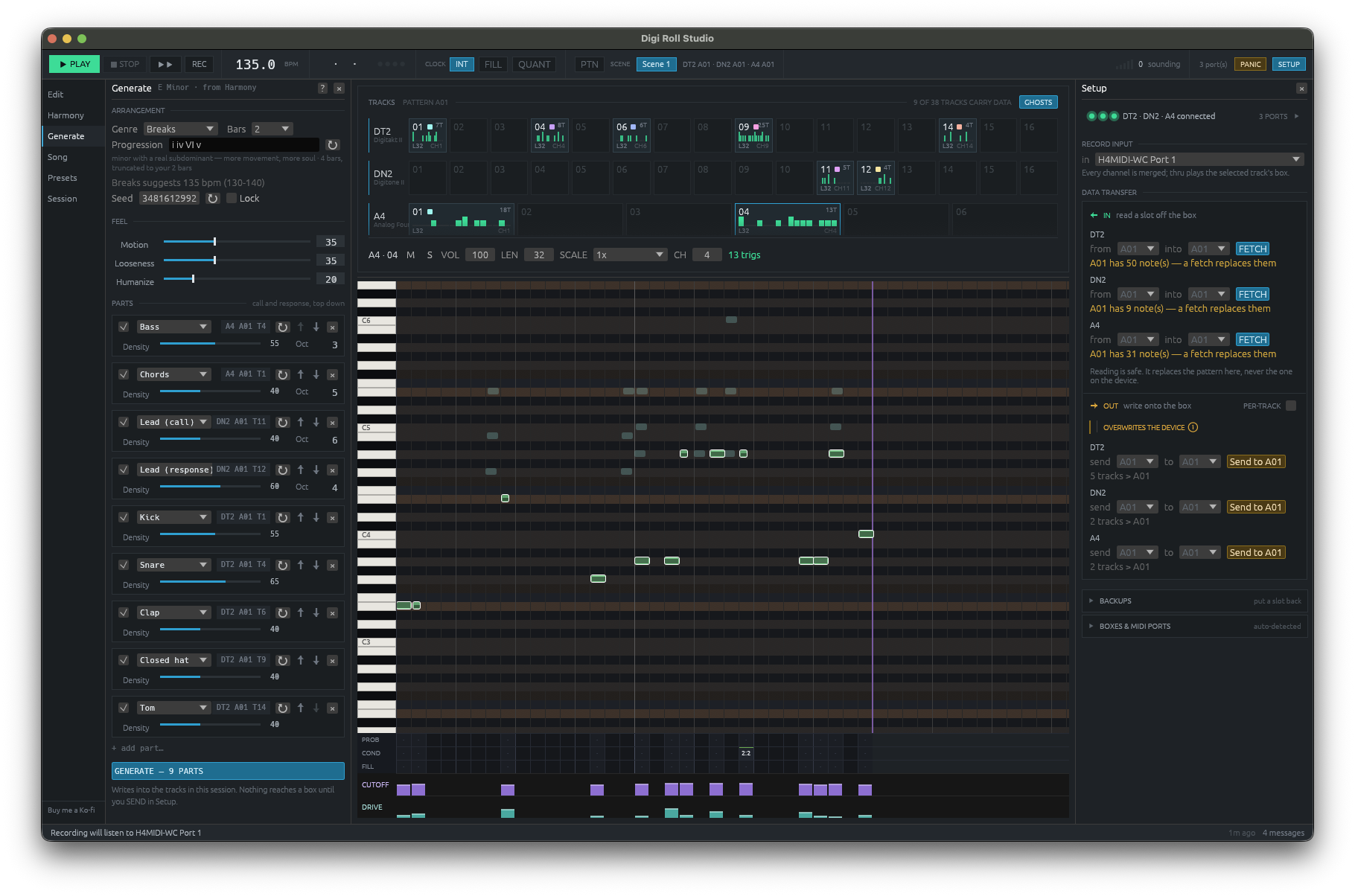
Writing to a pattern slot overwrites what's in it. Digi-Roll Studio
re-reads the destination and stores a backup before it sends — a backup
it can't store is a write that doesn't happen — then reads the result
back and compares every byte.
Use a throwaway project on your box anyway. This is beta
software writing to hardware you can't easily undo, and the habit costs
you nothing. Back the project up from the box itself the first few
times too.